
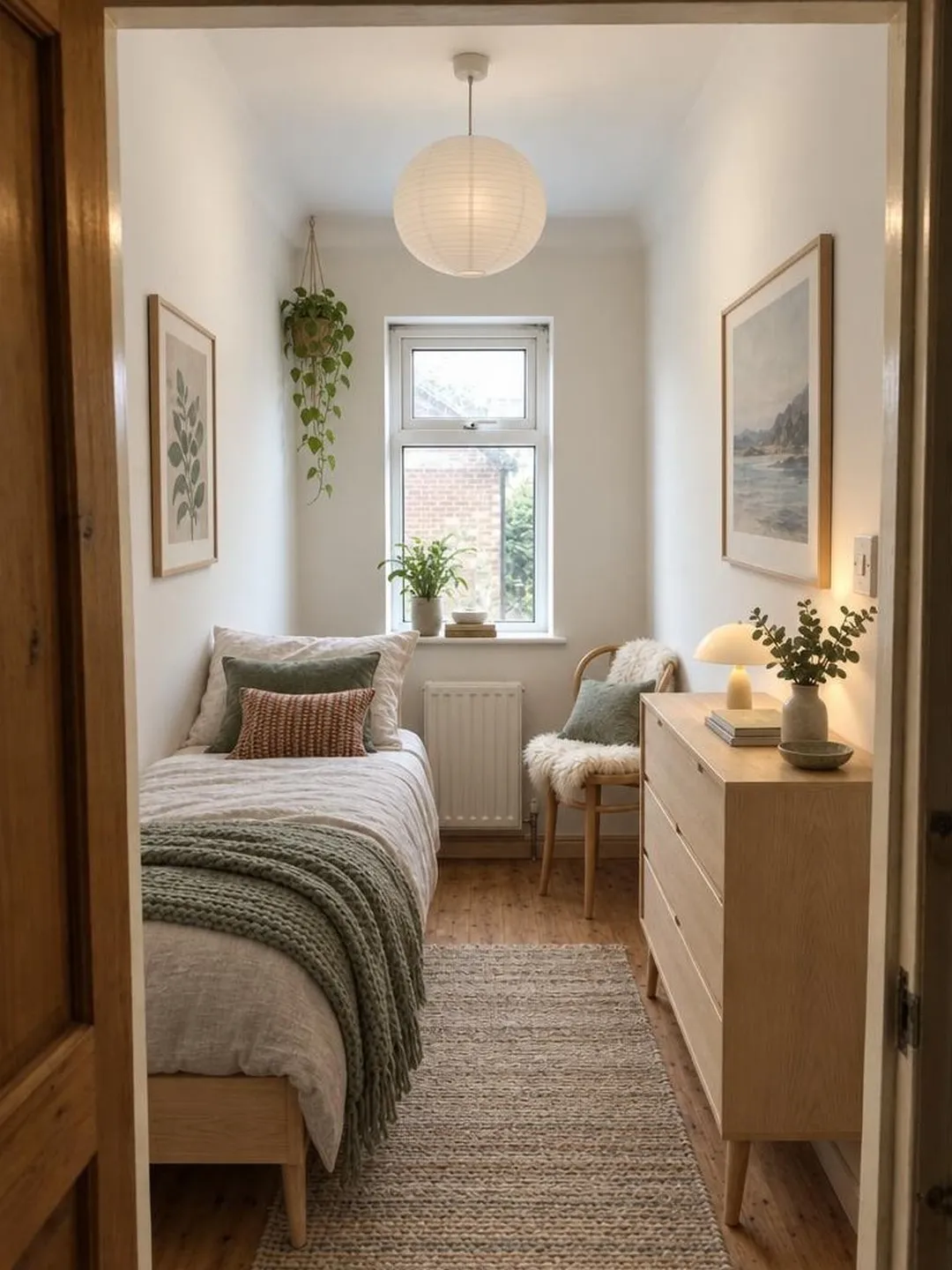
AI room design, free: redesign your own room on your iPhone, then make it real
Try AI room design free on your iPhone, then get more from it: how to photograph your room, pick a style that fits, and turn the result into real changes.
Snap one photo. Pick a style. Watch your own room change.
Not on iPhone yet? Get launch news →
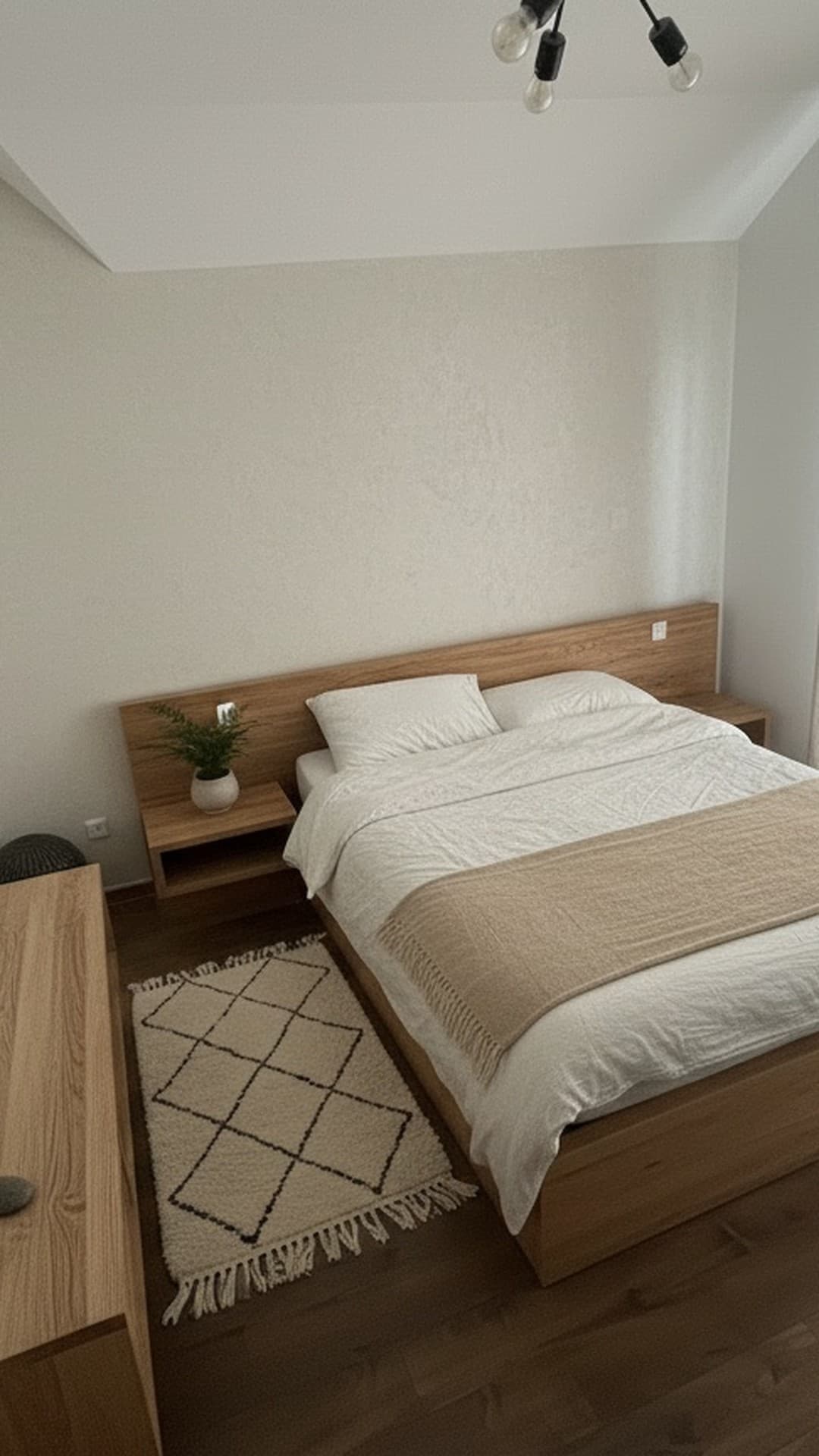
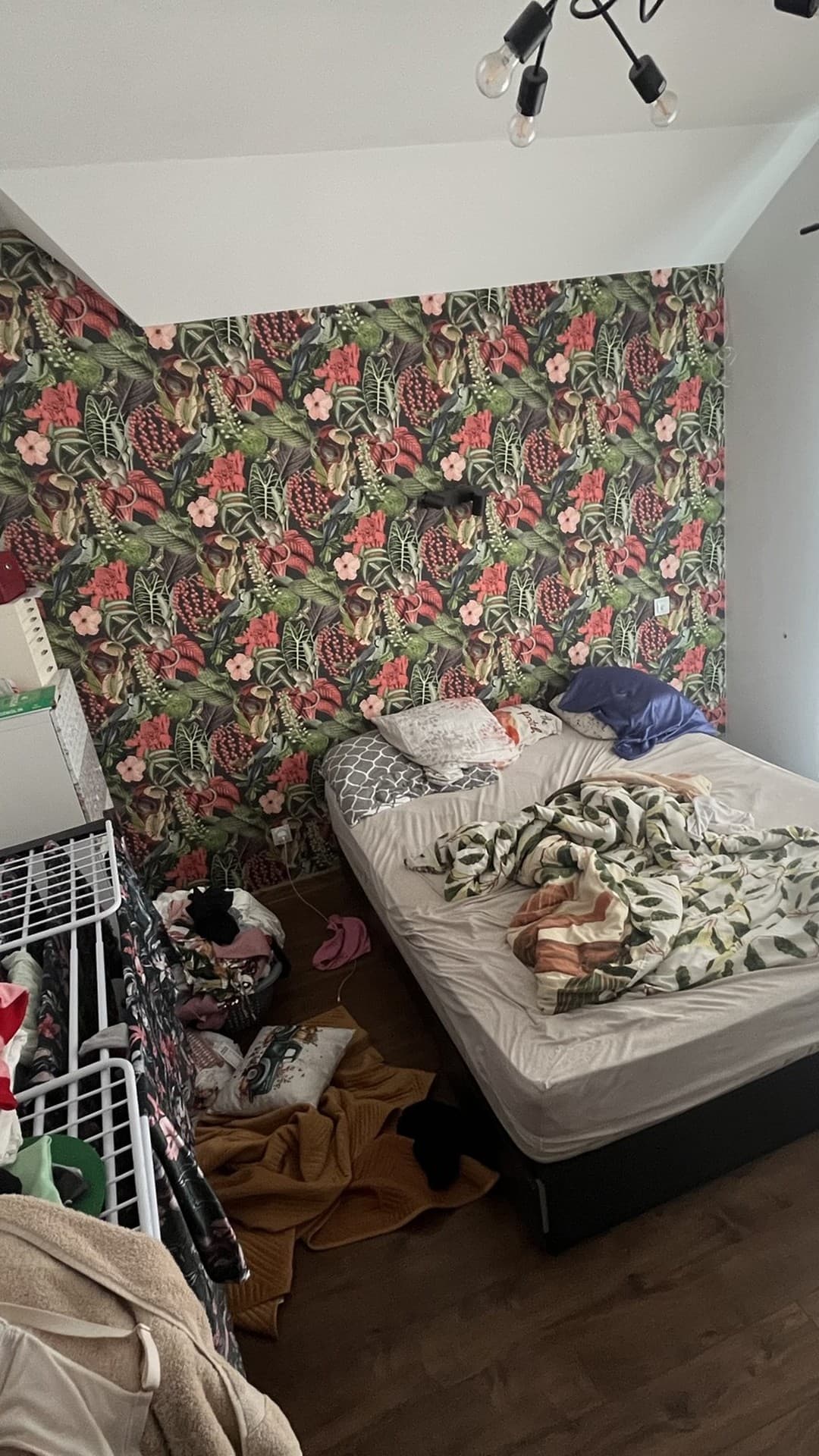
So start with the one you live in.
Every style below is the same messy bedroom, redesigned. Yours will be too.
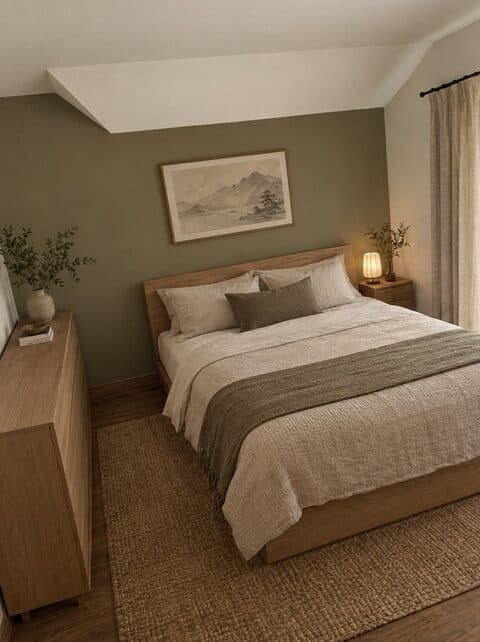
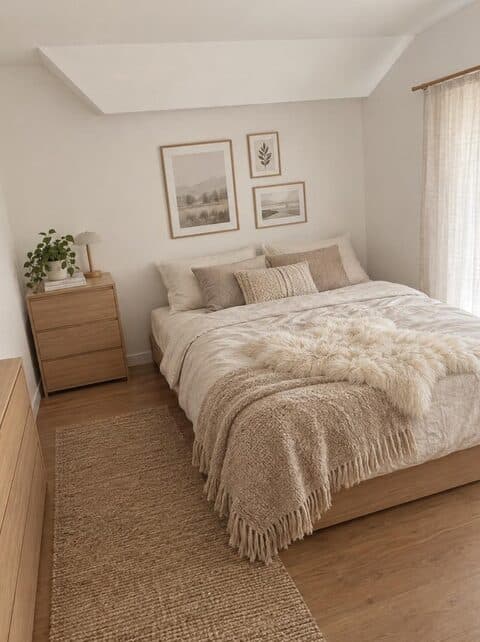
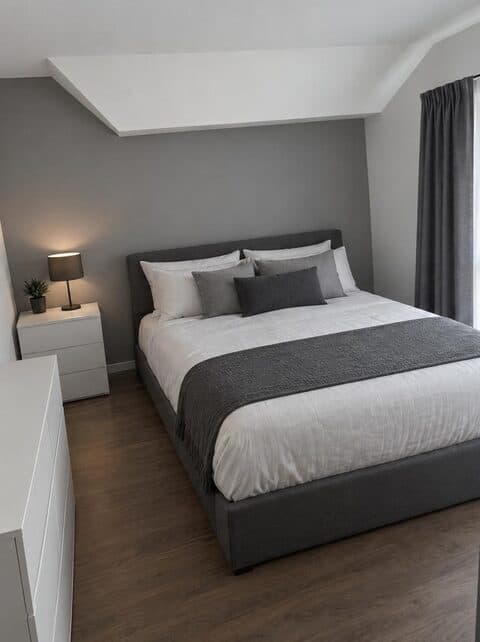
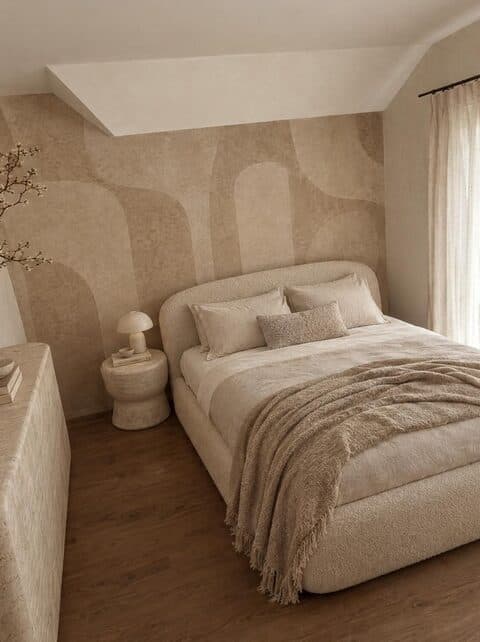
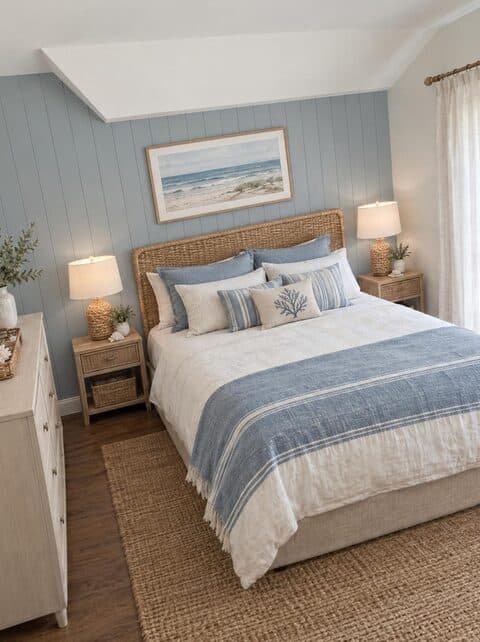
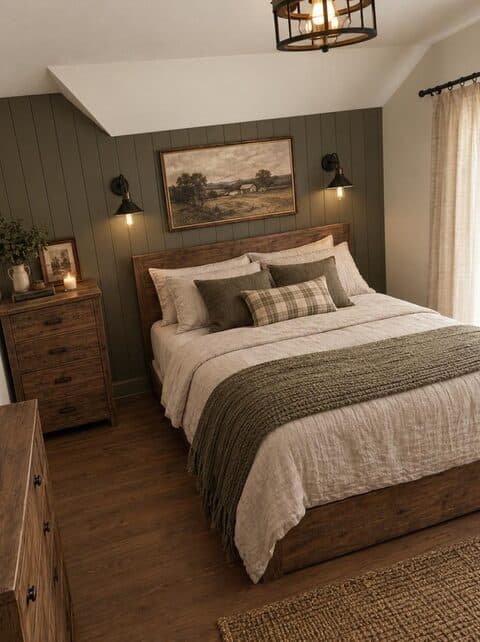

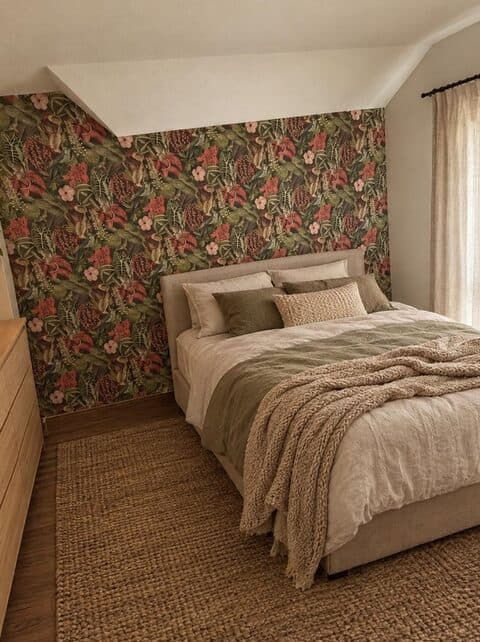
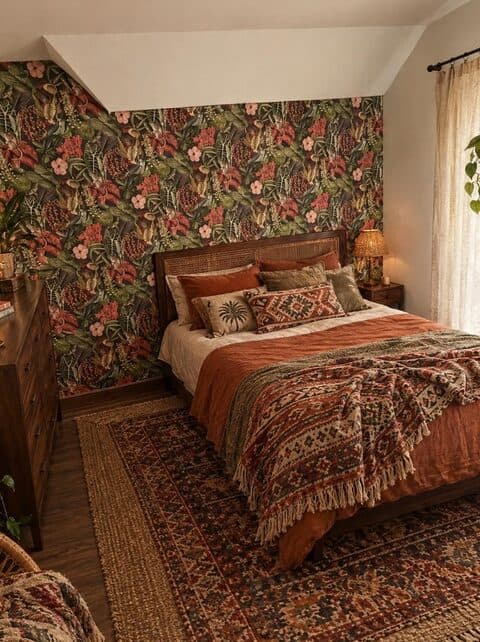
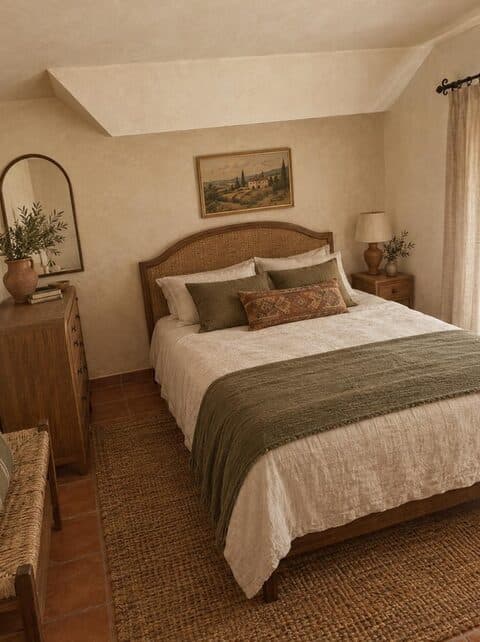
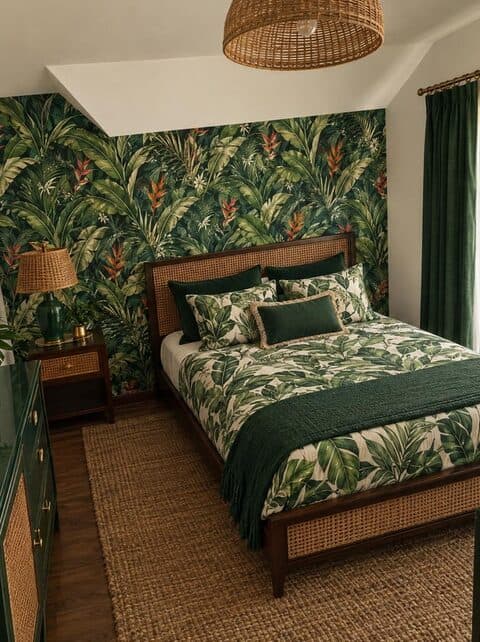
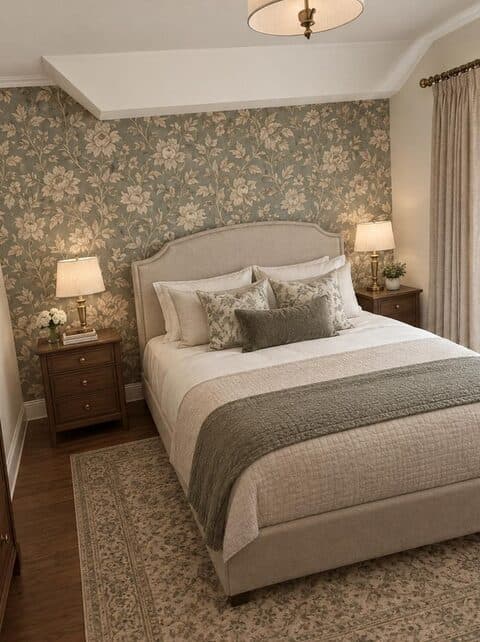
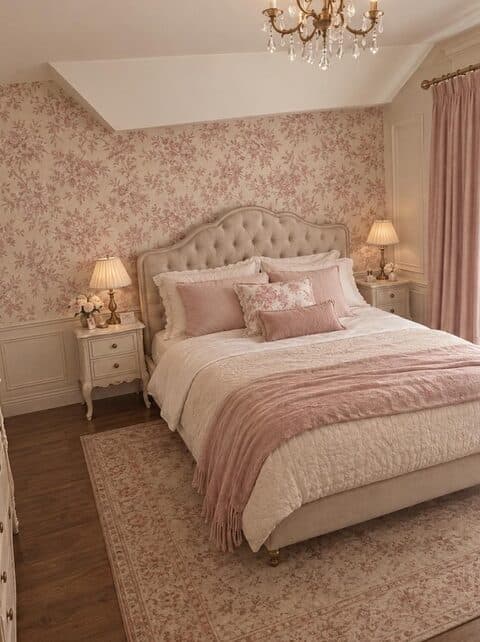
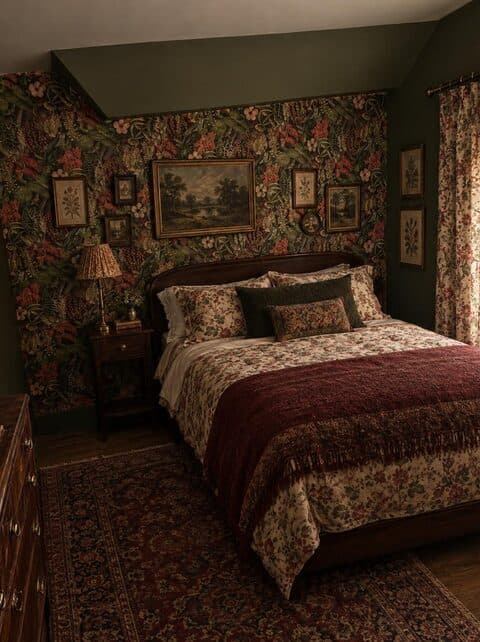
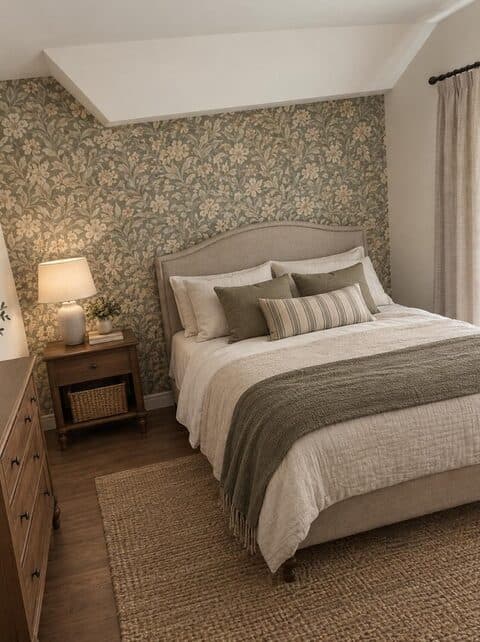
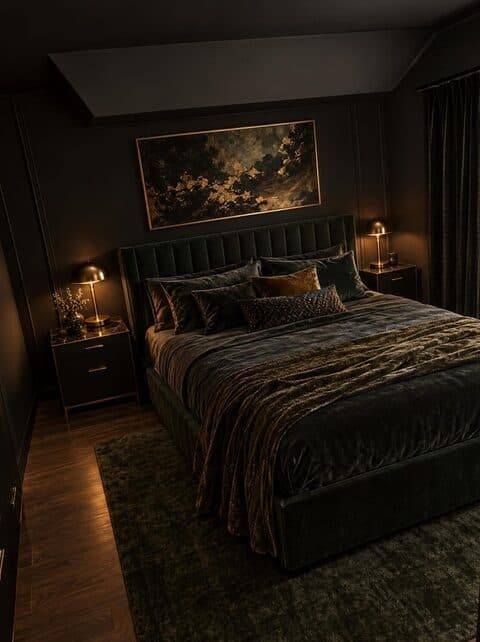
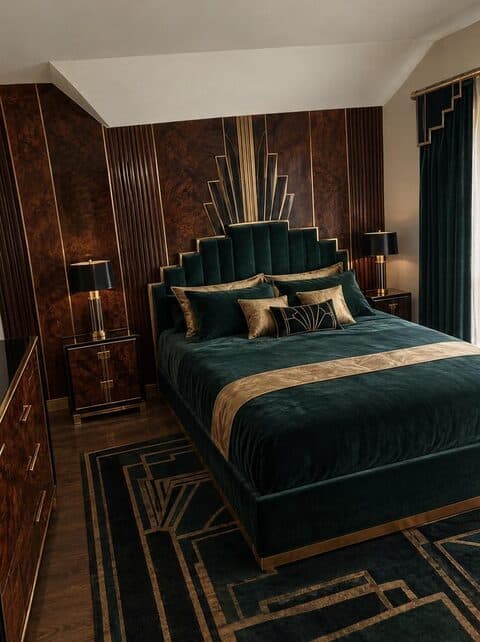
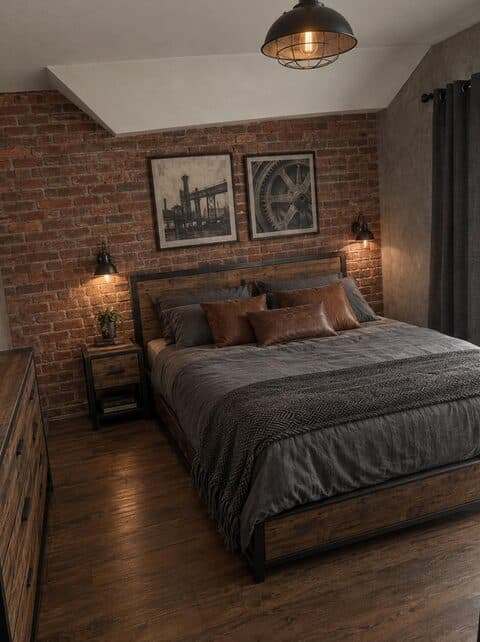
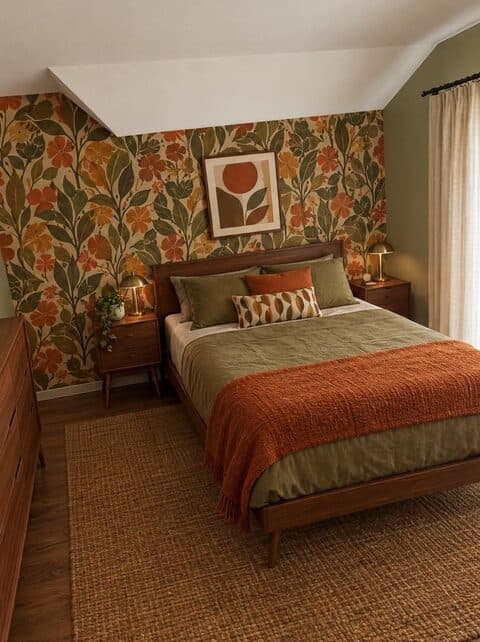
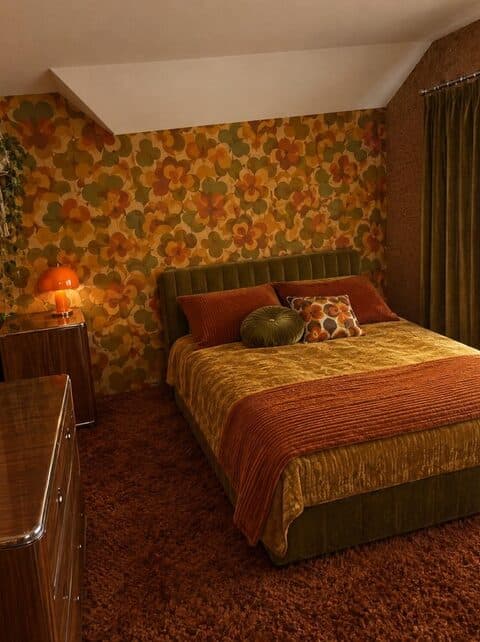
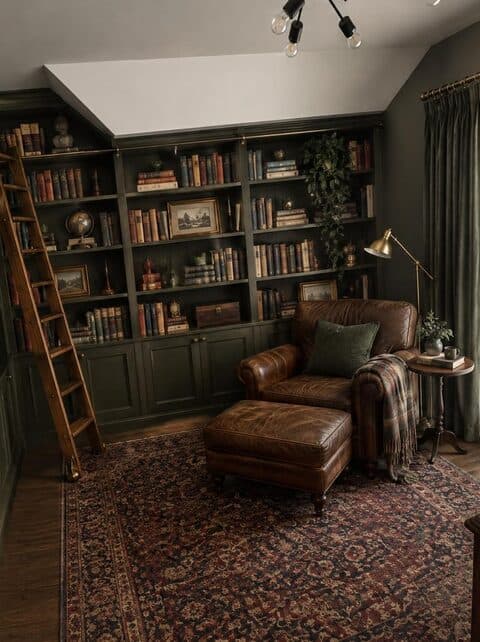
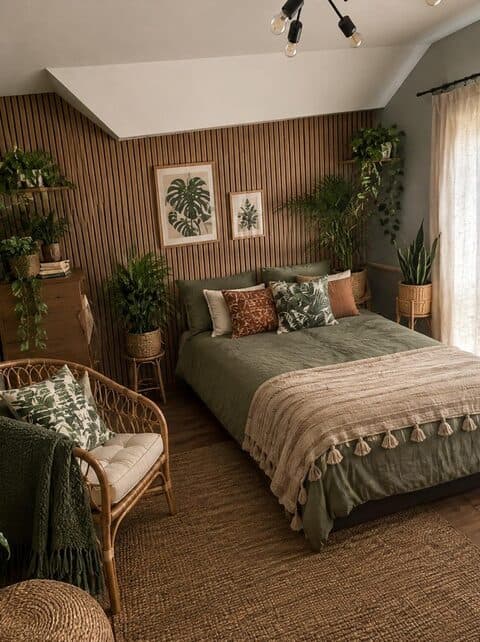
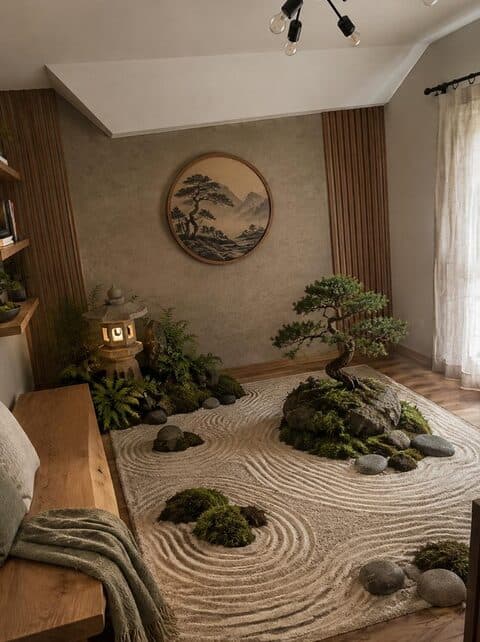
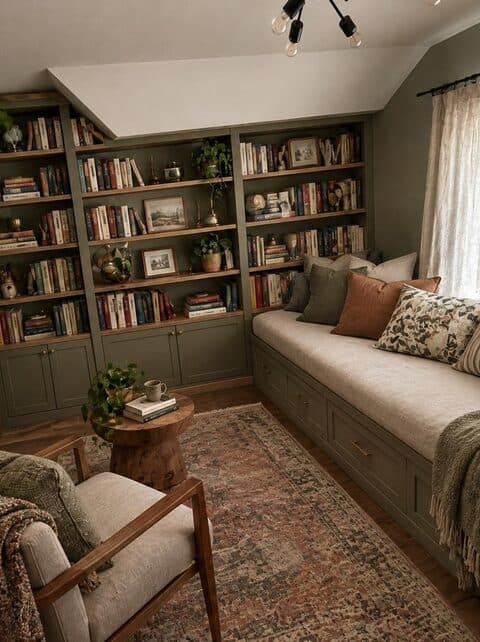
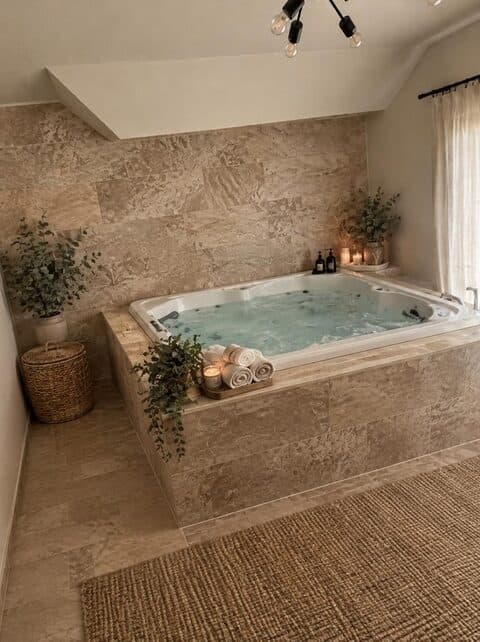
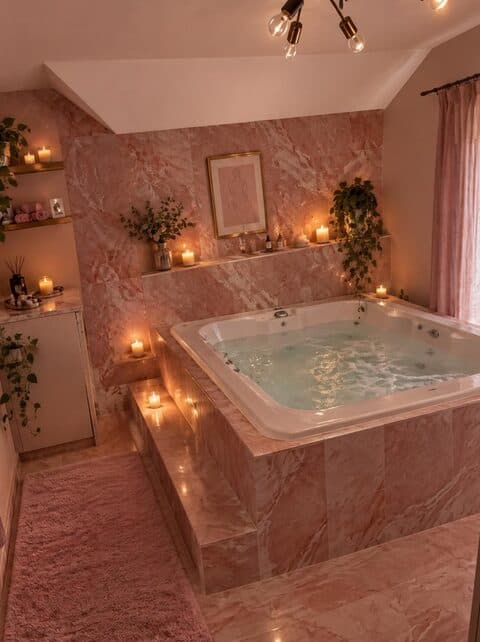
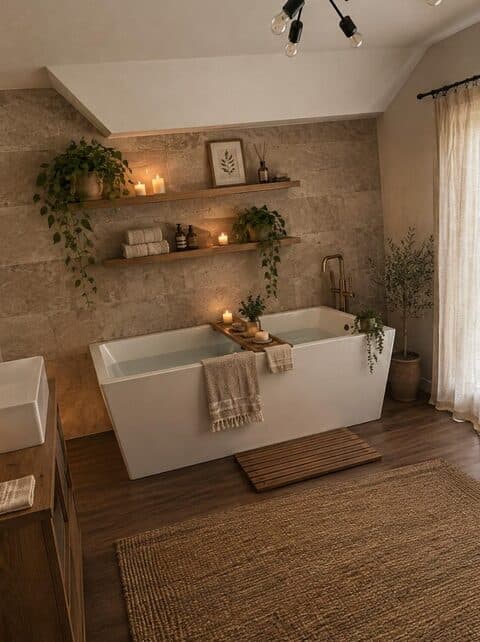
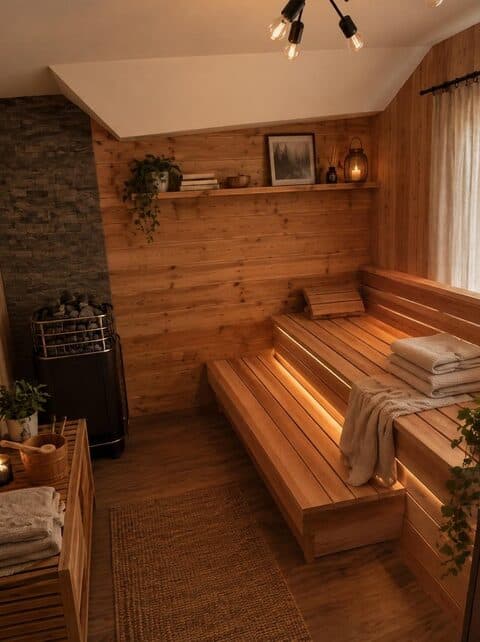
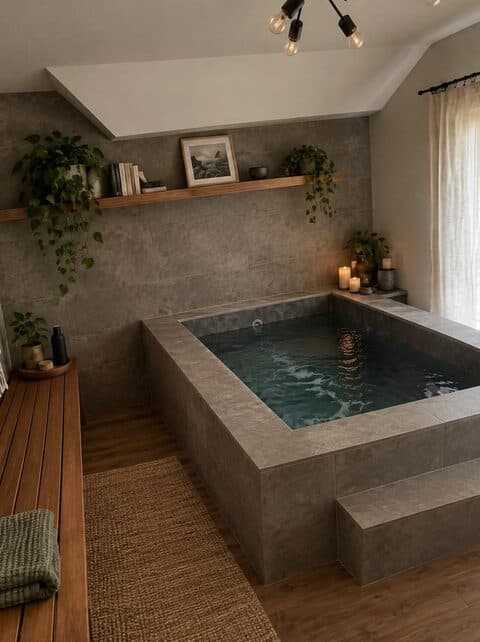
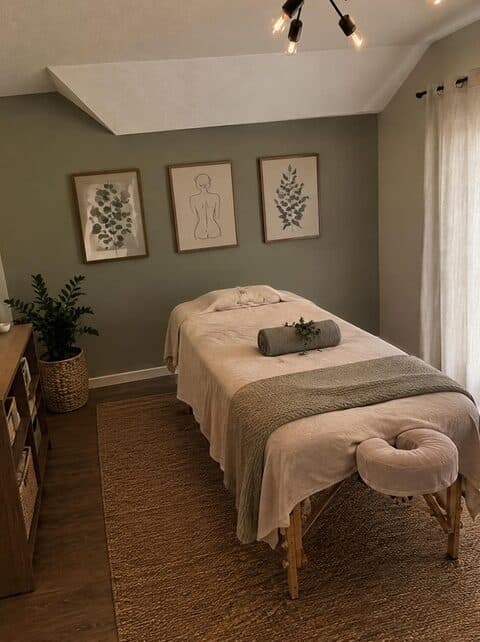
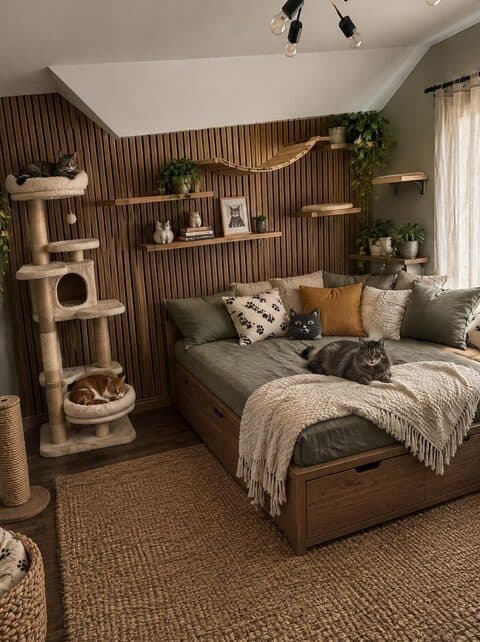
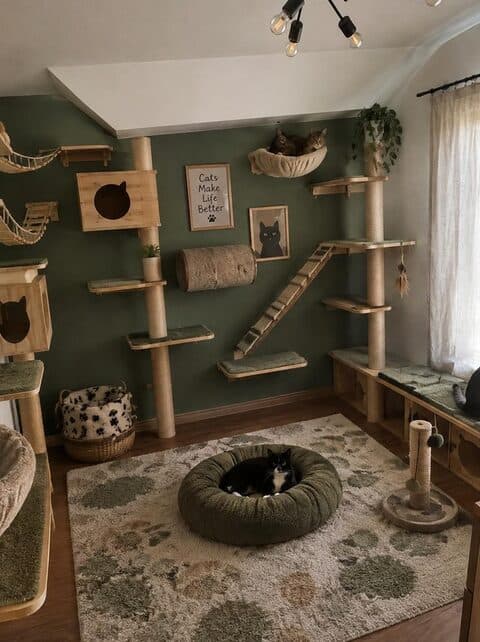
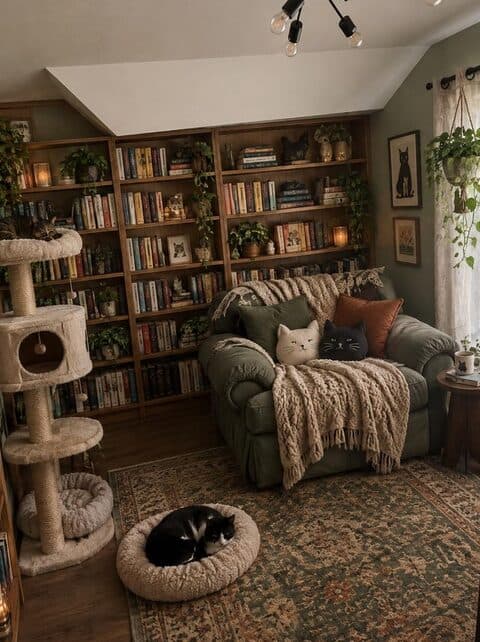
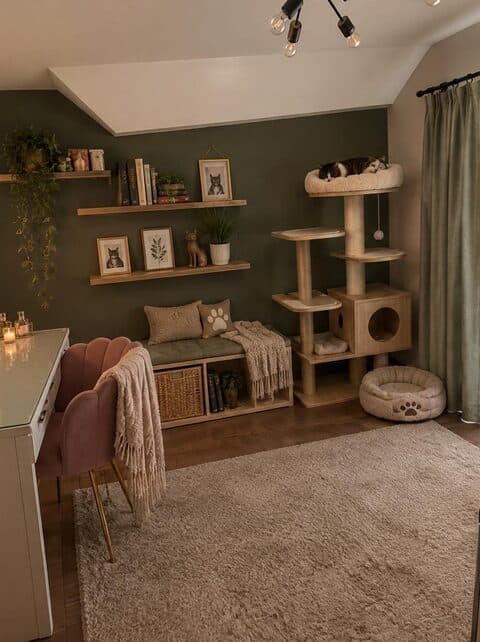
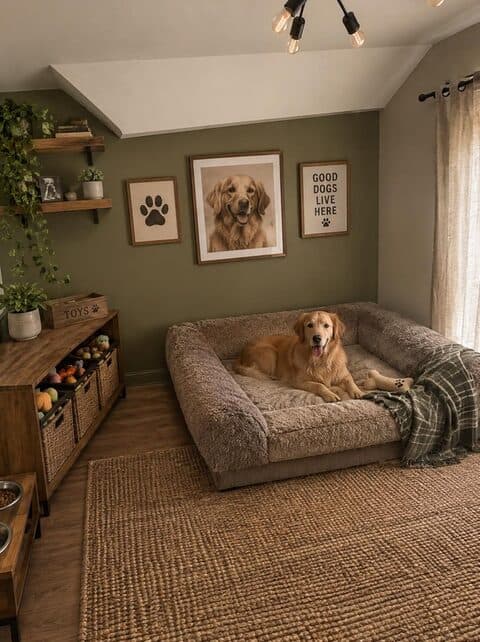
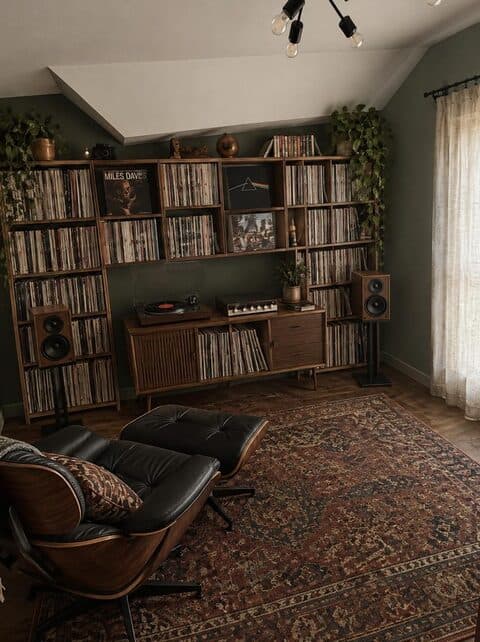
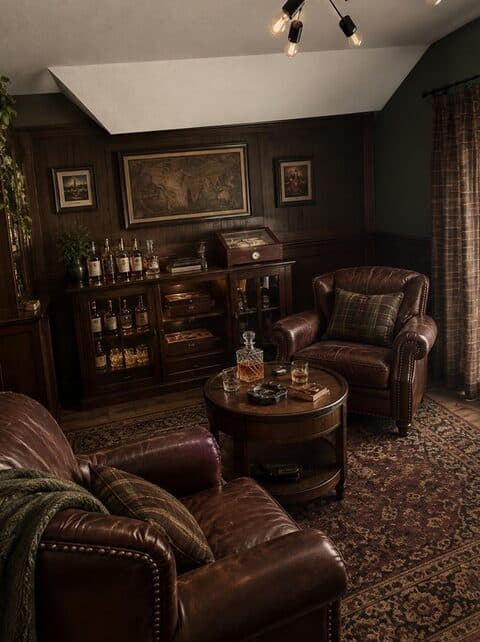
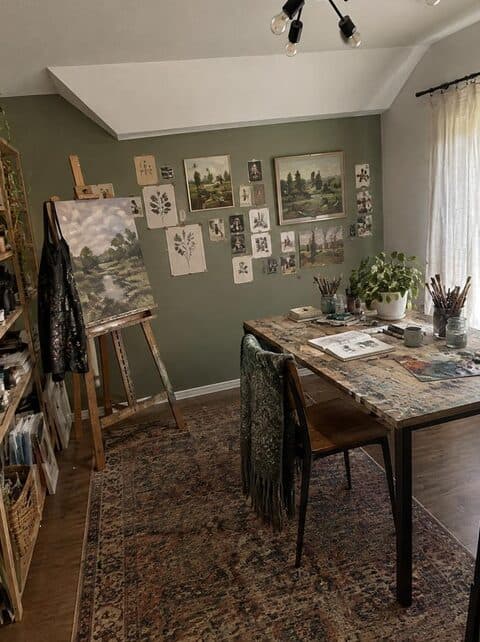
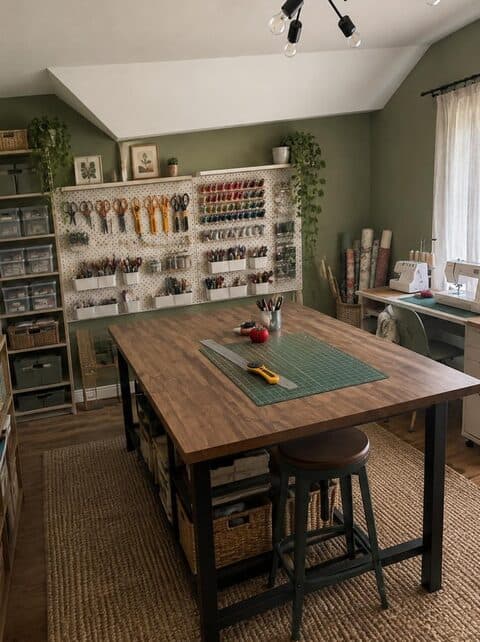
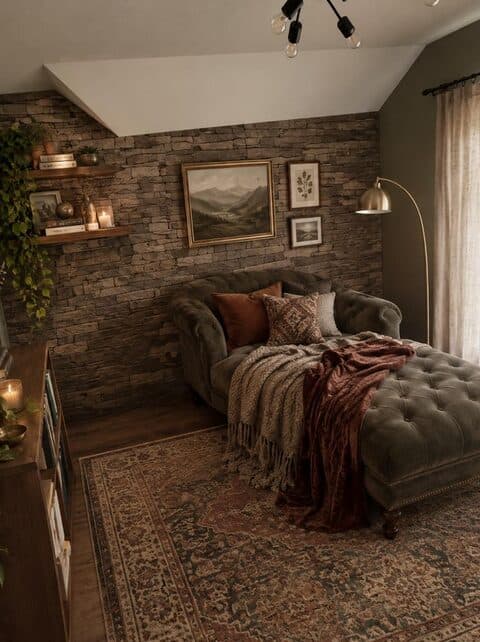
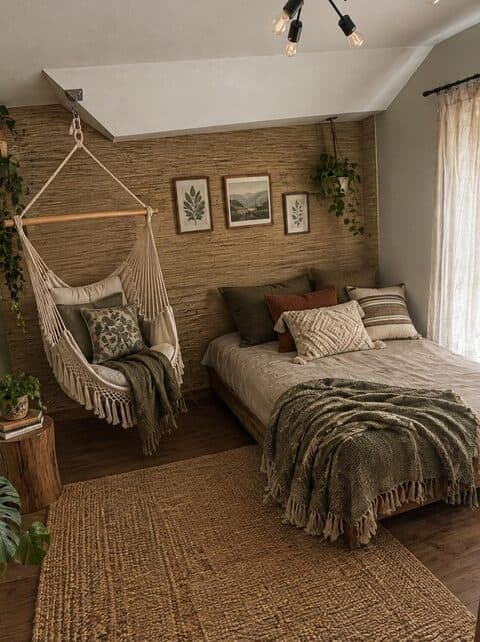
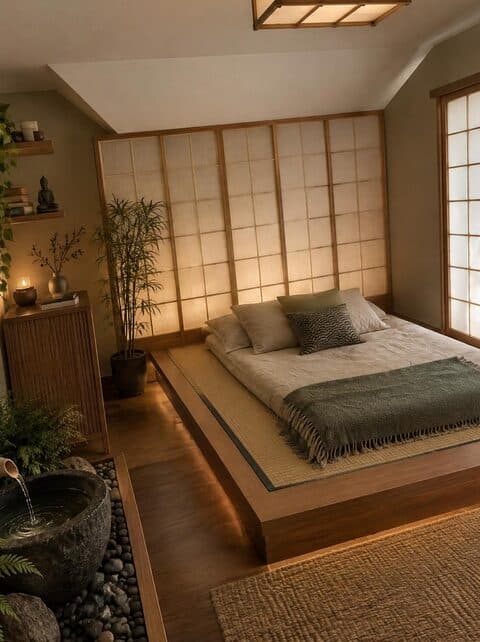
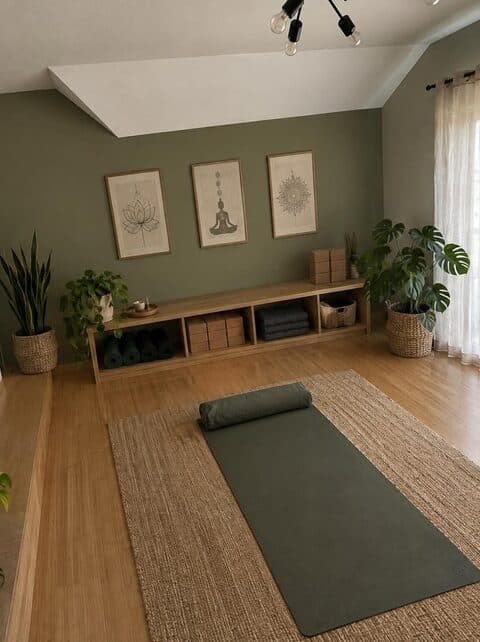
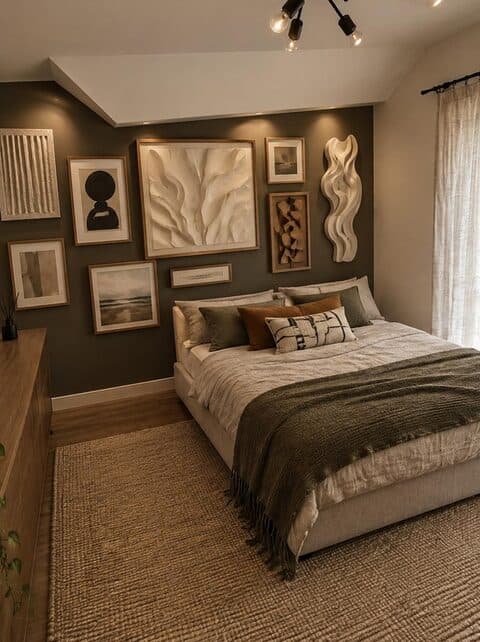
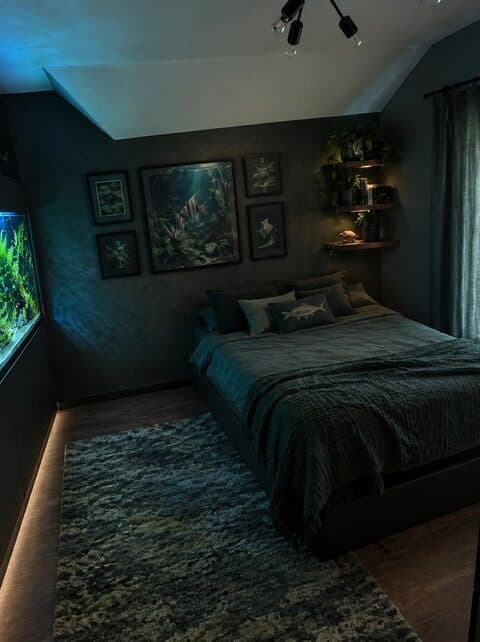
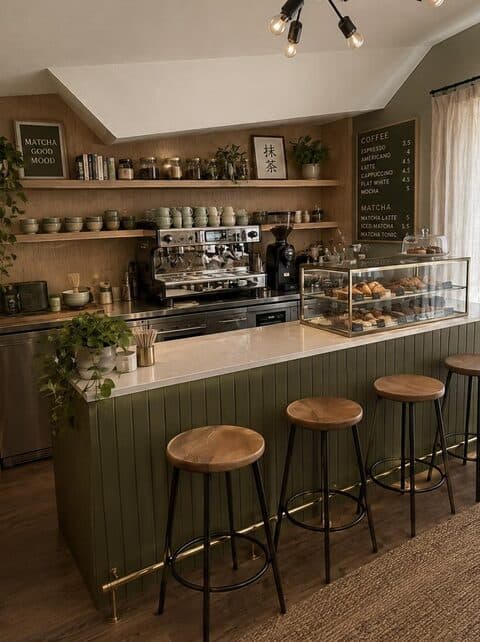
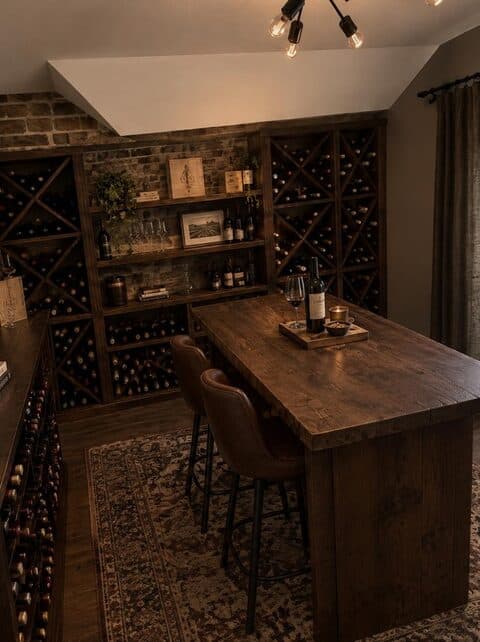
27 wild styles, from a cat lounge to a jacuzzi in the spare room.
Point the camera at one messy spot. Make it usable, or let it surprise you.
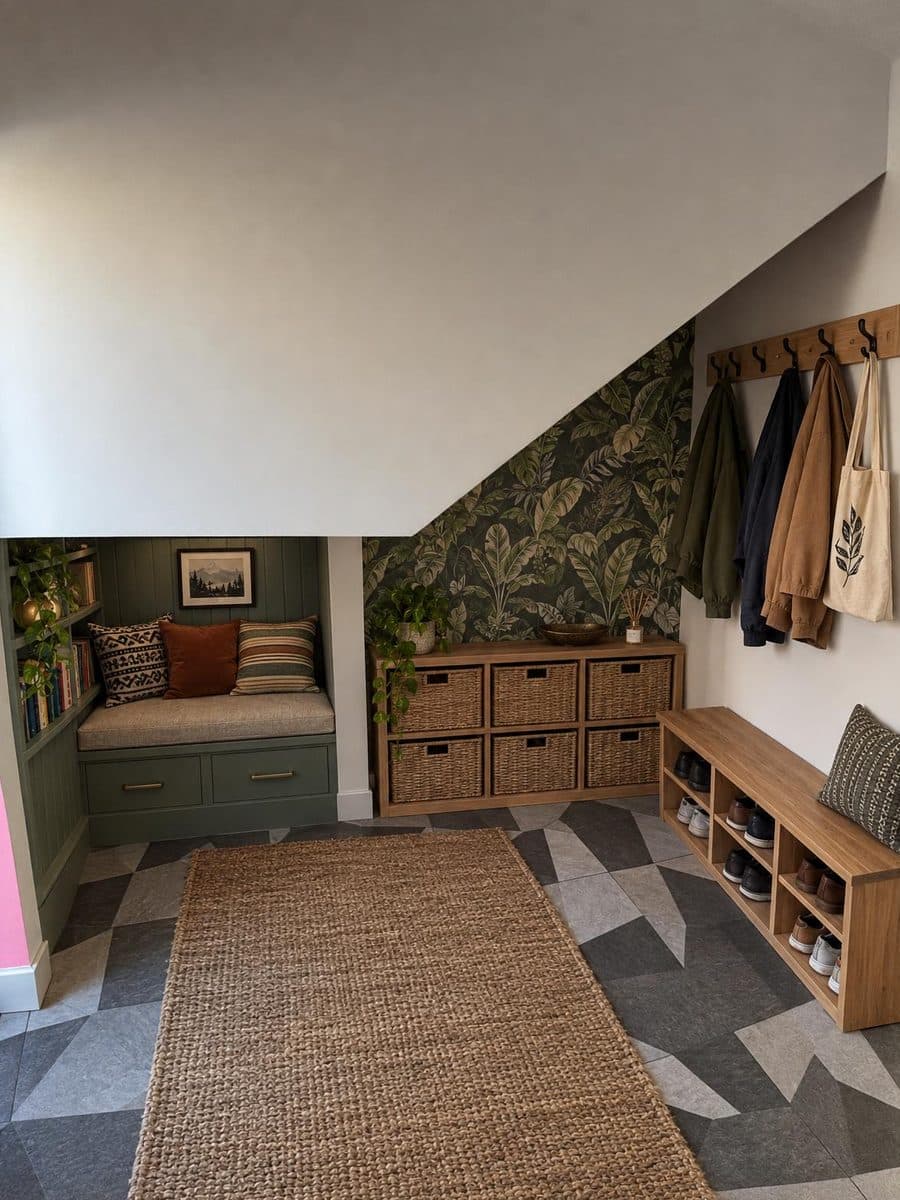
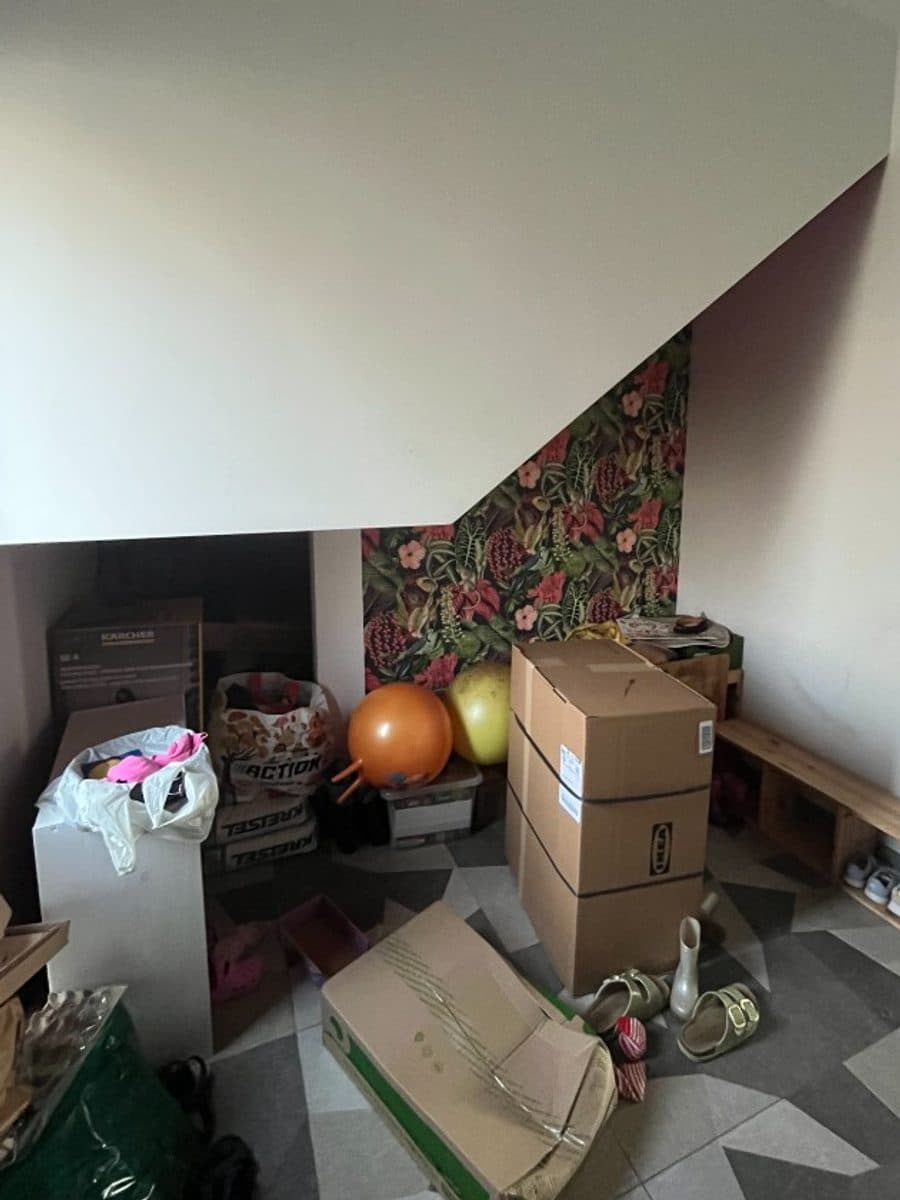
Under the stairs → an entryway with a seat and a place for everything.
Real results from the app, all from this one photo.
Snap one photo of your room.
Pick from 47 styles.
Watch it develop, like a print.
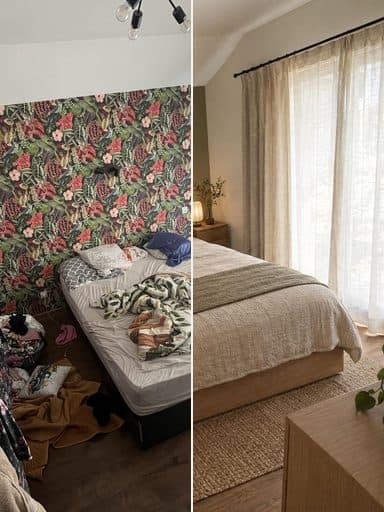
Your first redesign is free.Nothing to choose until you've seen your own room.
Then weekly or monthly plans, cancel any time.
No. Your device is enough.
They're stored so your rooms stay in My Spaces. You can delete everything from Settings in the app.
Yes, the full redesign, with a small watermark until your first purchase.
Bedrooms, living rooms, kitchens, bathrooms, offices, balconies, and single corners.
A little while. The app shows the redesign developing as it happens.
iPhone only for now.
In your iPhone's Settings, under Subscriptions. Cancel any time.
Try AI room design free on your iPhone, then get more from it: how to photograph your room, pick a style that fits, and turn the result into real changes.